

Table of contents
The Tool-Switching Tax Nobody Talks About
The Typical 6-Tool Content Stack and Where It Breaks
What a Unified Content Workspace Actually Changes
Time to Publish: A Side-by-Side Comparison
Consistency and Output Format Across a Fragmented Stack
How to Audit Your Current Stack and Identify the Bottlenecks
What to Look for When Consolidating Your Content Production Workflow
Most content teams are not slow because they lack talent or ideas. They are slow because every step in their production process requires opening another tool, re-exporting a file, or hunting down a caption that lived in a doc nobody can find.
That friction adds up. And it compounds across every piece of content you publish.
This post breaks down where a fragmented content production stack actually costs you time, what a unified content workspace changes in practice, and how to audit your current setup so you can make a smarter decision about tool consolidation.
The Tool-Switching Tax Nobody Talks About

Every tool switch in your content pipeline carries a hidden cost. It is not just the seconds spent opening a new tab or re-uploading a file. It is the mental reset, the version confusion, and the small errors that creep in at each handoff.
Where the Cost Actually Accumulates
Think about a single piece of content moving through a typical production day. A clip gets trimmed in one tool, exported, then re-imported into a caption editor, saved again, moved to a scheduler, and finally formatted for a second platform from scratch.
Each step is a potential point of failure.
The real damage shows up in three places:
- Handoff errors: File names drift, caption edits get lost, and preset settings reset between sessions.
- Context switching: Jumping between tools breaks focus and slows decision-making on even simple tasks.
- Rebuild time: Without a shared content workspace, teams recreate the same formats repeatedly instead of pulling from a repeatable system.
A consolidated content engine does not just reduce the number of open tabs.
The Typical 6-Tool Content Stack and Where It Breaks

Adding tools one at a time feels reasonable. One tool handles recording, another handles editing, and the stack grows from there. Six months later, most content teams are running something close to this:
- A screen recorder or camera app for raw capture
- A video editor for trimming and cuts
- A separate caption or subtitle tool
- A graphic or thumbnail editor
- A cloud storage folder for file handoffs
- A scheduler or publishing platform for distribution
Where Each Seam Creates Friction
No single tool on that list is the problem. The problem is the gaps between them.
Every export and re-import is a point where quality can drop, file names drift, and production context disappears. A caption edit made in step three does not carry forward. A color preset built in step two has to be rebuilt from memory in step four.
Here is what that looks like in practice: a short-form video moves through four tools before it reaches the scheduler. By the third handoff, the editor opening the file has no record of which caption version was approved or why the thumbnail color changed. They reconstruct decisions that were already made.
For solo creators, this drains output. For teams, it compounds.
The pipeline stalls not because people are slow, but because the system treats every piece of content as a new project instead of a repeatable process.
What a Unified Content Workspace Actually Changes
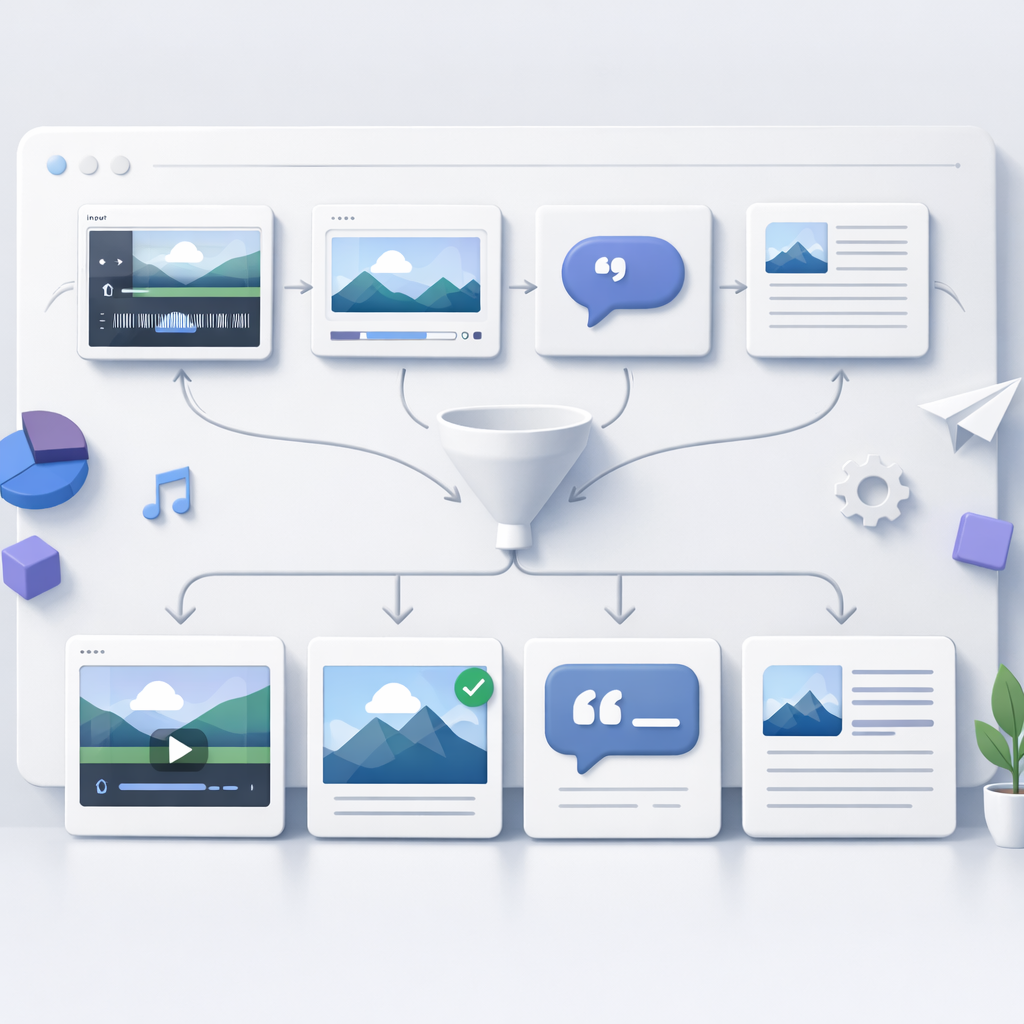
Pulling production into a single content workspace does not just reduce the number of tabs open. It changes what the pipeline is capable of producing in a given hour.
When every stage of content production lives in one place, decisions made early in the process carry forward automatically. A caption edit sticks. A color palette set at the start applies to every format without rebuilding it. The work compounds instead of resetting.
One Source of Truth for Every Asset
The clearest shift is in how teams handle versions. In a fragmented stack, the “final” file exists in at least three places and none of them agree.
In a unified content workspace, there is one file, one history, and one place to check before publishing.
This matters most for teams where more than one person touches a piece of content before it ships.
A writer, an editor, and a scheduler can each do their part without exporting, renaming, or re-uploading anything. The content pipeline moves forward without anyone reconstructing what the last person decided.
The practical result shows up in time to publish. Fewer handoffs means fewer delays. Fewer delays means the content engine runs closer to its actual capacity, not the reduced capacity created by tool friction.
Time to Publish: A Side-by-Side Comparison
Track a single blog post from brief to publish and the difference between a fragmented stack and a unified workspace becomes hard to ignore.
In a multi-tool setup, a standard post with social cuts might move like this:
- Draft written in a doc tool, shared via link
- Feedback split between comments and a separate chat thread
- Final copy pasted into a design tool for formatting
- Graphics exported, renamed, and uploaded to a scheduler
- Caption rewritten in the scheduler because the original got buried
Each step is a small delay. Together, they stretch time to publish by hours, sometimes days.
A social campaign that could ship on Tuesday sits until Thursday because one asset lived in the wrong folder.
In a consolidated workspace, the same post moves through one environment. The draft, feedback, design, and scheduling all sit in sequence. Nothing gets re-entered. Nothing gets lost in a file named “final-FINAL-v3.”
What Consolidation Does to Output Capacity
The difference is not just speed. It is what the team can produce per hour of real work.
When tool transitions eat time, output hits a ceiling that has nothing to do with skill. It is friction.
Remove the friction and writers spend more time writing. Designers spend more time designing. The pipeline moves at the pace of the work, not the pace of the handoffs.
Consistency and Output Format Across a Fragmented Stack
Fragmented tools do not just slow publishing. They break the consistency of what gets published.
When copy moves through four or five environments before it goes live, details drift. A brand voice guideline lives in one doc. Approved tone examples sit in another. The designer working in a separate tool never sees either. Piece by piece, the brand loses coherence.
Where Format Breaks Down in Transit
Every handoff in a fragmented content pipeline creates a chance for format to fail.
A single piece of content can absorb several small corrections before it ships:
- The scheduler rewrites a headline because nobody checked character limits earlier
- A third tool resizes the image because the design export did not match platform specs
- The editor swaps the call to action at the final step because the original brief was buried in a thread
Each fix is small. Together, they push out time to publish and pile rework onto the team.
Unified content production tools eliminate most of this. Templates, brand guidelines, and output specs live in the same environment as the draft. The writer and designer pull from one source, not four.
What ships matches what was planned, without a round of last-minute corrections eating into output per hour.
How to Audit Your Current Stack and Identify the Bottlenecks
A stack audit does not need to be complicated. The goal is simple: trace one piece of content from brief to publish and write down every tool it touches.
Map the Handoffs First
Start with a recent post or video that felt slow or messy. Walk it backward.
Where did the brief live? Where did the draft go next? Who touched it, in what tool, and what did they have to do manually at each step?
Look for these signals at each handoff:
- Re-entry work: Did someone copy and paste content from one tool into another?
- Format fixes: Did the image, caption, or headline need adjusting because specs did not carry over?
- Version confusion: Did anyone work from an outdated draft because the file lived in a separate place?
Each yes is a bottleneck. Each bottleneck adds to time to publish and pulls output per hour down.
Measure the Wait, Not Just the Work
Most teams focus on active production time. The real drag is wait time: the gap between when one person finishes and the next person can start.
A fragmented content pipeline stretches those gaps because context does not travel with the file. The next person has to hunt for the brief, the brand notes, or the approved copy before they can move.
A unified content workspace compresses that gap.
What to Look for When Consolidating Your Content Production Workflow
Plenty of tools promise to streamline your workflow. Most just shift the friction to a different step.
The right question is not which platform has the most features. It is which setup removes the most handoffs.
Start with your audit, not a demo.
Before comparing options, list the bottlenecks you already identified. Use those as your filter.
A tool that looks clean in a walkthrough but still requires manual format adjustments at export has not solved anything. It has just hidden the problem until it’s your problem.
Look for these capabilities when evaluating a content workspace:
- Brand assets stored inside the production environment: If clips, captions, and presets live in a separate location, re-entry work continues. A video team that stores approved intro sequences and caption presets in the same workspace as the editing queue cuts the “where’s the file?” back-and-forth entirely.
- Format outputs built into the workflow: Resizing or reformatting for different channels should happen inside the same pipeline, not after export.
- Context that travels with the file: Brief notes, approval status, and version history should be visible to whoever picks up the work next. No separate check-in required.
- Reusable project-level templates: One-off setups slow output. A workspace that lets you build and reuse a production structure pays off on every piece that follows.
Consolidation Is a Production Decision
This is not about minimalism or tool preference. It is about what your content engine can sustain at volume.
A fragmented stack might hold together at two posts a week. It breaks down when output scales, because every extra handoff multiplies across every piece.
The teams that publish fastest are not using the newest tools. They have the fewest gaps between steps.
The practical next step: Take the single biggest bottleneck from your audit. Ask whether your current tools can close it, or whether that gap needs a structural fix.
Start there. One resolved handoff will tell you more than any product demo.