
Table of contents
What YouTube Actually Lets You Link
2. Choose A Moment That Opens The Next Question
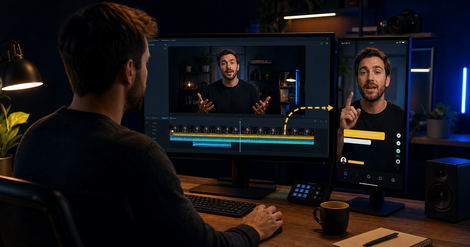
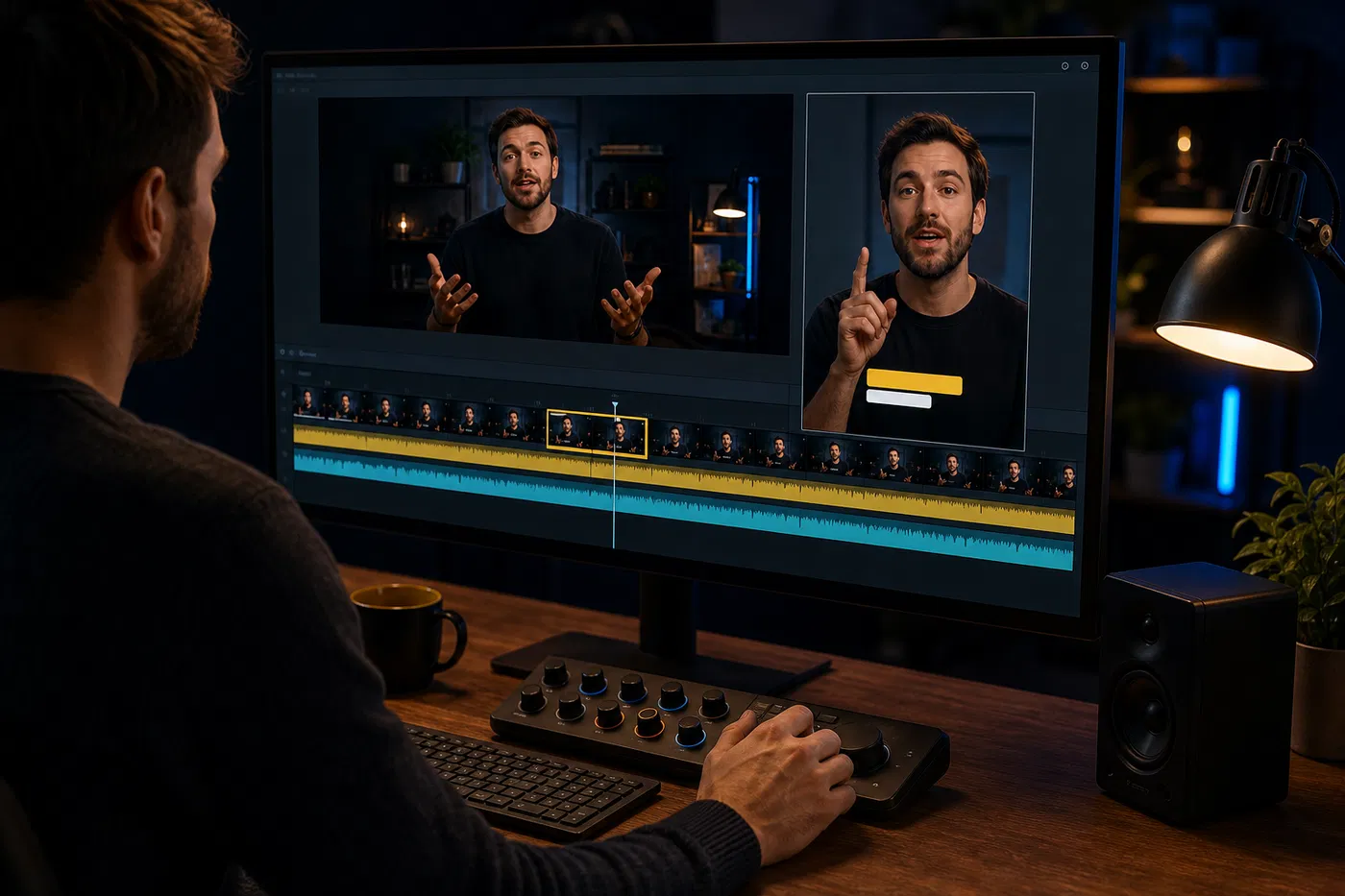
3. Re-Edit The Clip For The Shorts Feed
4. Match The Promise Across Both Videos
5. Add The Related Video In YouTube Studio
6. Give The Full Video A Useful Next Step
How To Measure The Short-To-Long-Form Path
Say you cut a 45-second Short from a useful 40-minute video.
The Short gets watched. A few people like it. Then they swipe to the next thing. The full video barely moves.
That happens because the clip and the full video were treated like two separate uploads. One earned a little attention. The other still waited for people to find it.
YouTube gives you a simple way to connect them. You can add a related video to a Short, and viewers will see a clickable link below your channel handle.
The link helps, but the workflow starts earlier. You need a source moment that stands on its own, creates a real next question, and leads to a full video that answers it properly.
Here is how to build that path.
The Short Answer
To use YouTube Shorts to promote a long-form video:
- Start with the full video and choose the deeper question it answers.
- Find one short moment that is useful without giving away the entire answer.
- Re-edit that moment for the Shorts feed.
- Make the promise of the Short match the title, thumbnail, and opening of the full video.
- Add the long-form upload as the Short’s related video in YouTube Studio.
- Measure whether the Short attracts the right viewers and whether those viewers continue into deeper content.
This works best when the Short feels complete enough to earn trust and connected enough to make the next step obvious.
What YouTube Actually Lets You Link
YouTube’s related-video feature can connect a Short to another Video, Short, or Live from the same channel.
After the Short is uploaded, open it in YouTube Studio, choose a related video, and save. The selected video has to be public or unlisted. Your channel also needs access to YouTube’s advanced features.
This detail matters because ordinary URLs in Shorts descriptions and comments aren’t clickable. Writing “full video in the description” can leave the viewer searching for a link that doesn’t work like a normal long-form description link.
Use the native related-video link for the immediate YouTube path. Keep the full video’s description, pinned comment, and on-page CTA focused on whatever should happen after the deeper proof.
YouTube describes the related video as a way to complement the Short and encourage viewers to watch more of your content. That is the right expectation. It creates a door. The clip still has to make somebody want to open it.
1. Start With The Full Video
Open the long-form video first.
Ask one practical question:
What will the right viewer understand after watching this full video that they cannot understand from one short clip?
Maybe the full video contains:
- a complete framework,
- the proof behind a strong claim,
- a walkthrough or demonstration,
- the context around a difficult decision,
- a customer story with the useful details,
- an objection answered from several angles.
That is your deeper promise.
If the long-form video has no clear promise, a Short won’t fix it. Pick a stronger source or improve the title, thumbnail, and opening before sending more viewers there.
This is why choosing what to repurpose first matters. The best source usually contains a clear buyer question, useful proof, and somewhere for the conversation to go.
2. Choose A Moment That Opens The Next Question
A random highlight can be entertaining and still do nothing for the full video.
Look for a moment that does two jobs:
- it gives the viewer one useful idea now,
- it makes a deeper question feel worth answering.
Suppose a consultant has a 30-minute video about why client onboarding breaks.
One Short could explain the first warning sign: every new client asks the same setup question in a different Slack thread.
That Short can stand alone. The viewer learns something specific.
The full video can then show the diagnosis, the process map, and the exact changes that remove the repeated confusion.
The connection feels natural because both videos serve the same person at two levels of depth.
Useful source moments often contain:
- a surprising diagnosis,
- a mistake the buyer recognizes,
- one step from a larger method,
- a result with an unanswered “how?“,
- a tradeoff that needs more context,
- a strong example from a longer walkthrough.
Avoid fake suspense. You don’t need to cut the speaker off before the answer. Give the Short a real payoff, then point to the deeper proof.
Our guide to podcast clips that drive leads uses the same principle: choose moments that build trust and answer buyer questions, then give the viewer a useful next move.
3. Re-Edit The Clip For The Shorts Feed
The cleanest 45 seconds in a long video may still feel slow as a Short.
Long-form viewers already chose the topic. Shorts viewers meet the moment without that context.
Your edit may need:
- a faster first sentence,
- one line of context before the source clip,
- tighter pauses,
- vertical framing that keeps the speaker or demonstration clear,
- readable captions,
- a small visual cue when the topic changes,
- a final line that names the deeper video.
Keep the original claim intact. A more aggressive hook should not make the speaker promise something the source never proves.
YouTube also recommends making Shorts enjoyable on their own. That fits the job. A useful Short earns enough trust for the viewer to consider another click.
4. Match The Promise Across Both Videos
The Short says, “Here is the onboarding leak costing your team five hours every week.”
The related video is titled, “A Few Thoughts From Tuesday.”
Even if that full video contains the answer, the path feels broken.
The viewer needs to recognize the continuation immediately.
Check four things:
- Topic: Does the full video clearly continue the same question?
- Title: Can the viewer tell what deeper answer they will get?
- Thumbnail: Does it reinforce the same promise without repeating the whole title?
- Opening: Does the first minute confirm they reached the right place?
Use different wording if needed, but keep one shared promise across both videos.
A brand video clipping strategy helps when several people are cutting from the same archive. It keeps moment selection, packaging, and next steps connected instead of leaving every editor to guess.
5. Add The Related Video In YouTube Studio
Once the Short and full video are ready:
- Sign in to YouTube Studio.
- Open Content.
- Select the Short.
- Choose Related Video.
- Select the public or unlisted video from your channel.
- Save.
The viewer will see a clickable link below your channel handle in the Shorts player.
Choose one related video. Make the next step easy to understand. A Short with three spoken CTAs, a profile instruction, and a vague “check out my channel” asks too much from someone who is already one swipe away from leaving.
6. Give The Full Video A Useful Next Step
The related video creates a path from short attention to deeper proof. Your business still needs a path after that.
For an expert-led business, the long-form video might lead to:
- a practical template,
- a free account or tool,
- a relevant article,
- an email list built around the topic,
- a product walkthrough,
- a service page,
- a sales conversation for a high-intent problem.
Match that step to the video.
A viewer who watches a detailed tutorial may be ready for a tool. Someone watching an early awareness clip may need another useful guide first.
The post-watch gap appears when content earns attention but gives the interested viewer nowhere sensible to go. The Short-to-long-form bridge solves one part of that gap. The full video still needs to carry the journey forward.
How To Measure The Short-To-Long-Form Path
Raw Shorts views can look exciting while telling you very little about the bridge.
YouTube changed Shorts view counting in 2025. A view can count when a Short starts or replays, with no minimum watch time. YouTube kept the older behavior as a metric called Engaged views, showing viewers who chose to continue watching.
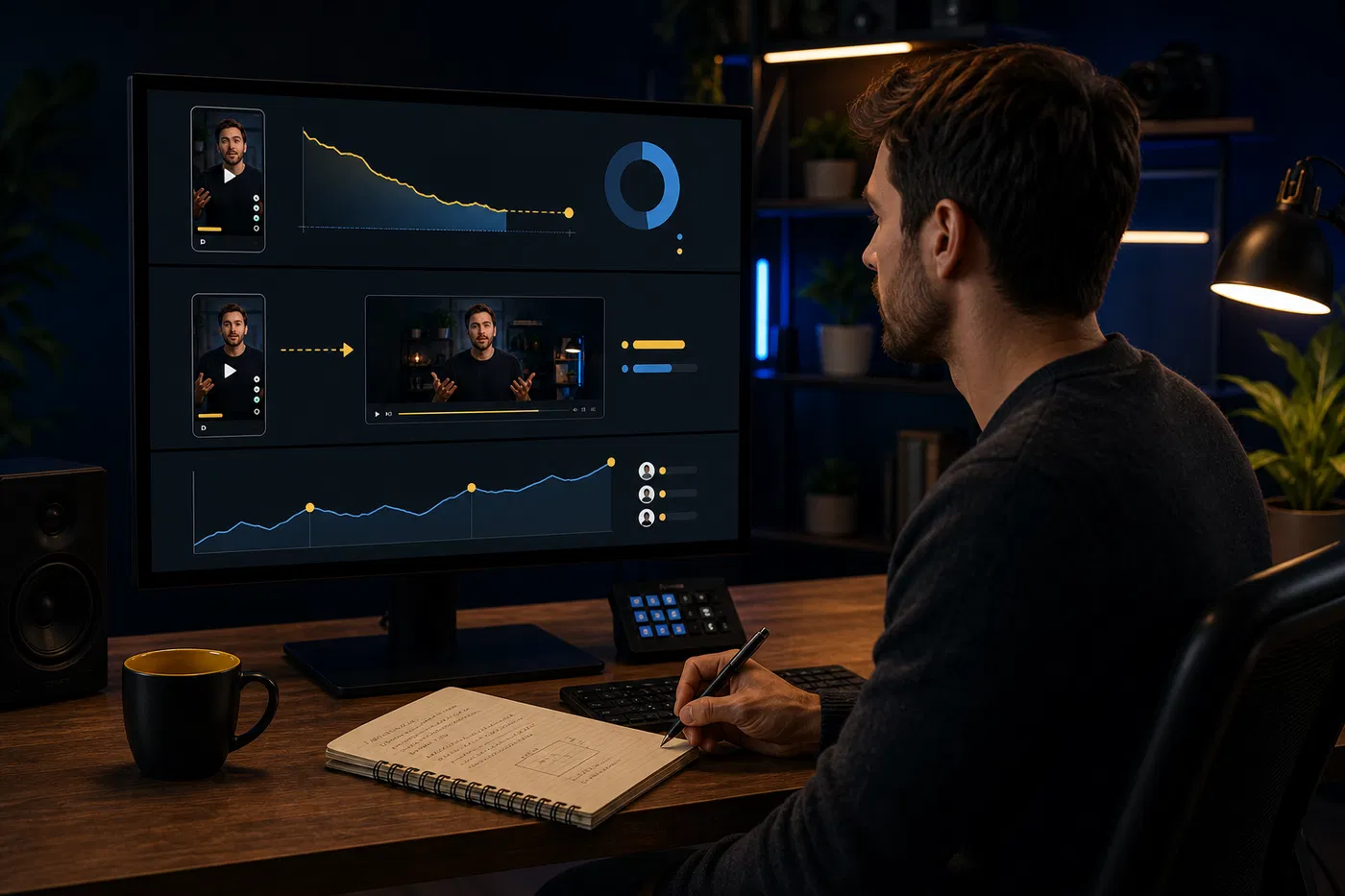
Use three layers of measurement.
Short Quality
Check:
- how many chose to view instead of swiping away,
- engaged views,
- average view duration,
- comments from people who match the intended audience,
- subscribers gained from the Short.
Format Bridge
Check:
- whether the related long-form video gains relevant views after the Short publishes,
- whether new viewers continue into other videos,
- the overlap between viewers consuming Shorts and Videos in YouTube Analytics,
- whether the same Short topic repeatedly leads to deeper viewing.
YouTube warns that audience behavior differs across formats. Compare Shorts with other Shorts, then inspect how the formats support the channel together.
Business Outcome
Check:
- clicks from the full video’s description or page,
- free-account starts,
- qualified replies,
- useful email signups,
- sales conversations connected to the topic.
You may not get perfect attribution. You can still learn whether a certain source topic attracts the right people and moves them closer to a useful action.
Common Ways This Workflow Breaks
The Clip Gives The Entire Answer
The viewer learns something, feels satisfied, and leaves. Keep the Short useful, then choose a source moment with a natural deeper layer.
The Clip And Full Video Serve Different People
A broad motivational Short may bring plenty of viewers who have no interest in a detailed B2B walkthrough. Align the audience before worrying about volume.
The CTA Depends On A Description URL
URLs in Shorts descriptions and comments are non-clickable. Use the related-video feature for the YouTube connection.
The Full Video Has Weak Packaging
A vague title, unclear thumbnail, or slow opening can waste the attention the Short earned. Review the destination before pushing traffic toward it.
The Team Clips Whatever Sounds Loudest
Strong emotion can help a Short. Buyer relevance and source fit decide whether it supports the long-form video.
Use a simple scoring pass before editing: audience fit, standalone value, deeper question, proof, and next-step fit. Our video content repurposing strategy shows how to map those moments before production starts.
Build A Small Test First
Pick one strong long-form video.
Create three Shorts from it:
- one diagnosis,
- one proof moment,
- one step from the larger framework.
Connect all three to the same related video. Publish them far enough apart that you can inspect each one. Watch which moment earns engaged views, which attracts the right comments, and whether deeper viewing changes.
Then use that evidence for the next batch.
ContentFries helps expert-led creators and small teams map useful moments inside their long-form archive, turn those moments into clips and related assets, and keep the next content batch connected to the source.
Create a free ContentFries account. Add your YouTube channel during onboarding and start with the source material you already have.
Sources
- YouTube Help: Add a related video to your YouTube Shorts
- YouTube Help: Sharing links with your audiences
- YouTube: Transitioning long-form content to Shorts
- YouTube Help: Get started creating YouTube Shorts
- YouTube Help: Content tab analytics tips for Shorts
- YouTube Help: Understand your YouTube content performance