

Table of contents
ContentFries and Submagic overlap on one visible job: turning spoken video into captioned short-form content.
The choice gets easier when you look at what you need before the clip and after it.
Submagic is organized around finishing short videos quickly. ContentFries is organized around turning one source into several assets, then carrying them through review and planning.
Quick Verdict
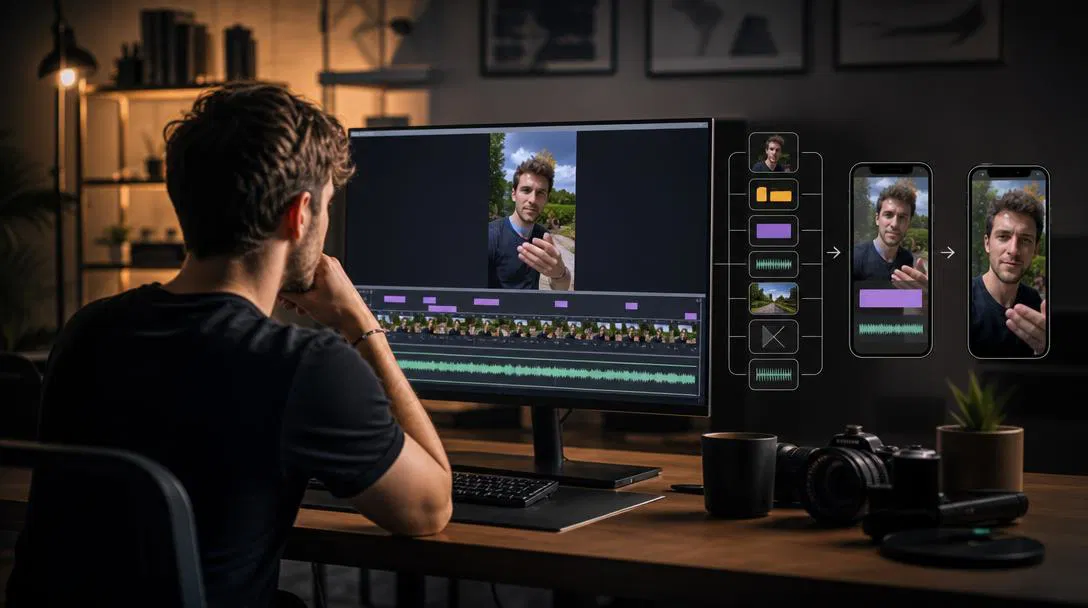
Choose Submagic when your main job is getting short videos captioned, polished, and published quickly. Its caption presets, transcript editing, automatic cuts, B-roll, effects, and direct social publishing all serve that job.
Choose ContentFries when your expertise needs to keep producing between recordings. Auto Kitchen prepares personalized batches of carousels, static posts, text posts, and short-video scripts. Recipes handle active jobs from a specific source, including clips, blog material, quote assets, and thumbnails.
If you already have one clip and only need portrait framing plus styled captions on its first 60 seconds, try the free tool below before paying for either platform.
Only Need Captions On One Short Clip?
Use our free Short-Form Clip Generator.
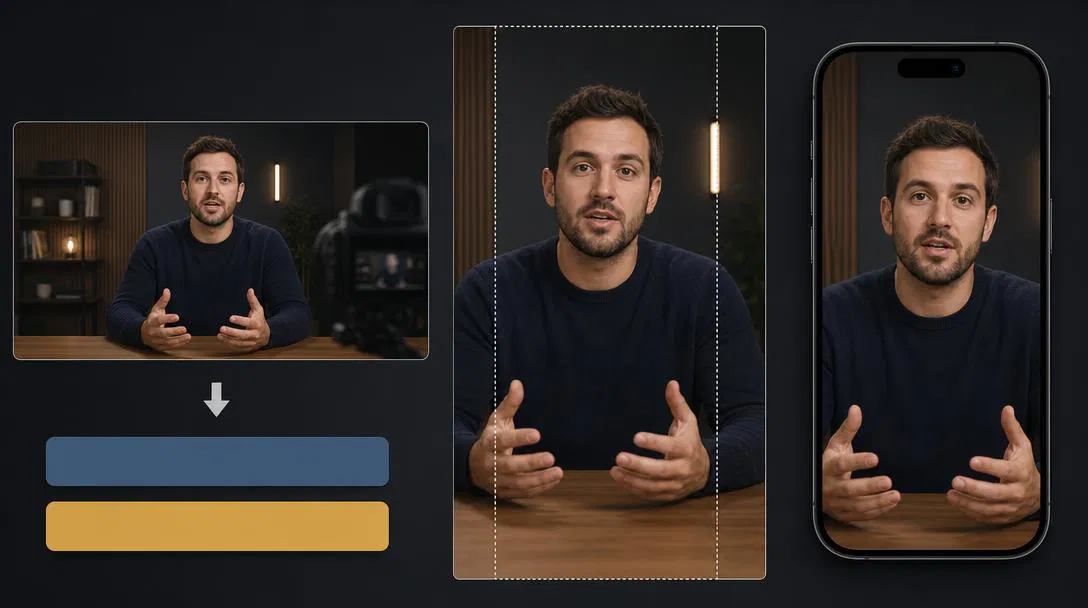
You do not need an account. Upload a video and it will reframe it to 9:16, transcribe it, and add styled subtitles. Anonymous exports use the first 60 seconds and include a ContentFries watermark plus a short branded outro.
It is a narrow free workflow for a quick caption job. It does not replace Submagic’s full editor, effects, or publishing workflow. It also does not replace the wider ContentFries repurposing system.
ContentFries vs Submagic At A Glance
| Decision | ContentFries | Submagic |
|---|---|---|
| Best starting point | Long-form expertise, an archive, or a direct clip | An existing short, raw footage, or a long video through Magic Clips |
| Main outcome | Several content formats plus review and planning | A polished short ready to export or publish |
| Caption workflow | Subtitle presets, transcript-based trimming, and a full clip editor | A mature caption-first workflow with animated presets and fast customization |
| Long video to shorts | Opportunity Map and clip recipes | Magic Clips, sold as a separate add-on |
| Other outputs | Posts, blog material, quote assets, thumbnails, transcripts, and key points | AI images, AI B-roll, and avatars inside a video-focused workflow |
| Direct social publishing | Planner tracks approved, scheduled, and published work while external tools handle publishing | TikTok, Instagram, and YouTube publishing on Pro and Business |
| Brand and feedback loop | Content Cookbook, Review ratings, and later batches | Brand Kit, custom templates, and team workspace |
| Automation | API, hosted MCP, and webhooks on Creator and Scale | API and integrations with plan-based minute allowances |
| Free path | Free account plus a no-signup 60-second branded clip tool | Three watermarked videos per month |
| Pricing model | Shared operation credits, pay as you go, or subscriptions | Videos per member, duration limits, AI credits, and add-ons |
| Strongest fit | Expert-led, multi-format content workflow | Fast, caption-first short-form production |
Neither column wins every row. Which one gets your actual job finished with fewer steps?
Choose Submagic For A Fast Short-Video Workflow
Submagic deserves credit for making the first job obvious.
Upload footage. Choose a visual direction. Let the automation handle much of the repetitive edit. Fix what matters. Export or publish.
Honestly, this is something I underestimated for years. A creator who needs three polished shorts this afternoon may get more value from one strong default than from a long list of controls.
Submagic also has a clear caption-first identity. Its current editor includes:
- animated caption presets and custom caption styling,
- transcript correction and text-based trimming,
- silence and bad-take removal,
- B-roll, zooms, transitions, sound effects, and music,
- audio cleanup, color controls, and eye-contact correction,
- hook titles and social descriptions,
- direct publishing to TikTok, Instagram, and YouTube on eligible plans.
Calling Submagic a captions-only app in 2026 would be inaccurate. It has expanded into a capable short-form production workflow.
Its AI Actor Studio can also generate presenter shorts from a script without existing footage. Submagic’s current documentation charges three AI credits for an avatar output.
If your source is already cut and your main purchase reason is polished captions, Submagic is likely the more direct choice.
Choose ContentFries For A Personalized Content System
ContentFries puts content selection earlier in the workflow.
I built ContentFries after spending too much time with long recordings full of useful ideas and no clean way to turn them into a campaign. One moment might need a clip, a post, an article section, and a follow-up asset. That is the job ContentFries is designed around.
You can start with a webinar, podcast, founder recording, interview, lesson, demo, or video archive. The Opportunity Map inspects the source and surfaces hooks, proof moments, useful teaching, weak spots, and repurposing angles.
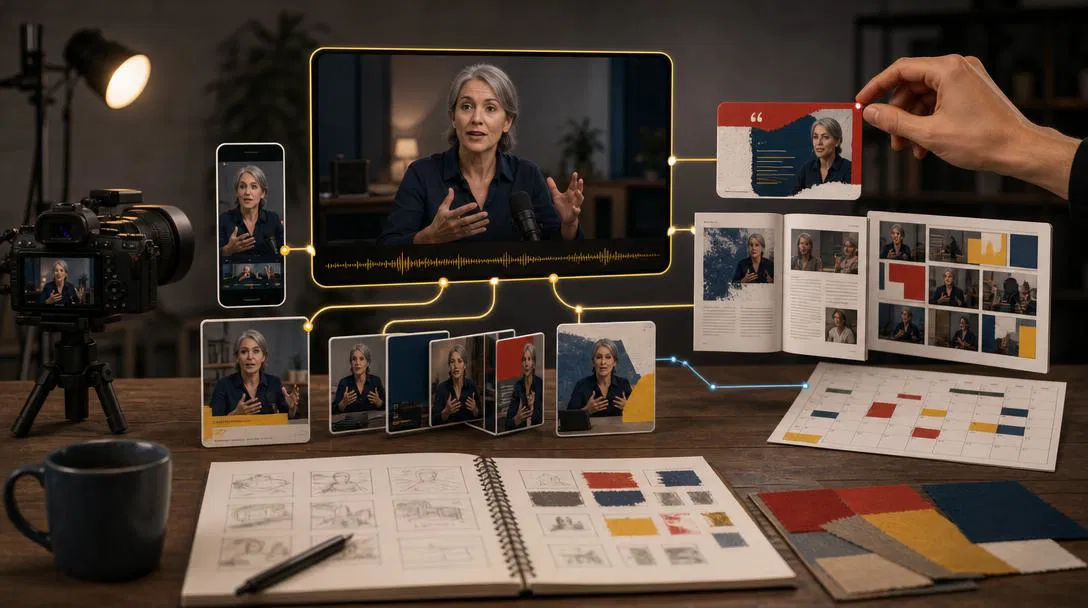
For experts and coaches, the main difference is Auto Kitchen. It uses your source material, audience, offer, voice, examples, brand context, and previous feedback to prepare a reviewable batch that can contain:
- carousels,
- branded static image posts,
- text posts,
- and short-video scripts or recording prompts.
You review each item, and those decisions shape later eligible batches. This is the recurring part of ContentFries: a personalized content loop that can keep working between long-form releases.
Recipes are the active, on-demand layer. Start one when a specific source should become short clips, blog material, quote visuals, thumbnail concepts, transcripts, key points, or another focused output.
The assets stay connected to the source. Review and Planner keep decisions and publishing state attached. The Content Cookbook stores the facts, audience, offer, voice, examples, and brand context future work should use.
This is useful when the bottleneck appears before editing. You have hours of good recordings, but nobody has decided which five minutes deserve attention or what each idea should become.
The current ContentFries workflow guide shows how Opportunity Map, Auto Kitchen, recipes, Projects, Review, Content Cookbook, and Planner connect.
Both Products Can Turn Long Videos Into Shorts
This is an important correction to many older comparison pages.
Submagic’s Magic Clips accepts a long video file, YouTube URL, or public Google Drive link and creates short candidates. It includes transcripts and a predicted virality score. The score is a product signal, not proof that a clip will go viral.
Magic Clips currently costs an extra $19 per member each month on monthly billing. Submagic’s current help material says the add-on includes ten source-video uploads per month. Check the live Submagic pricing page because quotas and localized prices can change.
ContentFries approaches long-form input through source analysis, an Opportunity Map, and clip recipes. The same source can also feed non-video assets and the review loop.
So yes, both can create shorts from long footage.
Pick Submagic when the finished short is the main product. Pick ContentFries when the source should support a wider content pipeline.
Captions And Editing Control
Submagic makes animated caption presets central to the product. It supports multilingual captions and markets high transcription accuracy. Real accuracy still depends on audio quality, accents, names, and specialist terms.
ContentFries lets you review generated clips, adjust trim boundaries from the transcript, switch subtitle presets, and open the clip editor when a clip needs more work. The no-signup tool only offers preset switching and a read-only transcript preview. Editing subtitle text, fonts, timing, or trim boundaries requires the full app.
We did not run identical footage through both products, so this article cannot compare transcript accuracy, render speed, or final visual quality.
If caption presets are the whole job, Submagic is designed around that. If a clip must stay connected to posts, blog material, review, and planning, ContentFries covers that wider workflow.
What Happens After The Clip?
Submagic Pro and Business can schedule and publish directly to TikTok, Instagram, and YouTube. If removing the last upload step matters, that is a real advantage.
ContentFries Planner records what is approved, scheduled, and published, while another tool or automation handles distribution. It can coexist with the scheduler you already use.
ContentFries vs Submagic Pricing
These public prices were checked on July 28, 2026.
Submagic Monthly Pricing
| Plan | Price | Main limits |
|---|---|---|
| Free | $0 | 3 short videos, 90-second maximum, 200 MB, watermark |
| Starter | $19 per member | 15 videos, 2-minute maximum |
| Pro | $39 per member | 40 videos, 5-minute maximum, Brand Kit, direct publishing |
| Business + API | $69 per member | 100 videos, 30-minute maximum, 4K export and more API minutes |
| Magic Clips add-on | $19 per member | Long-video clipping, currently 10 source uploads monthly |
Submagic also displays lower effective monthly prices when billed annually. Starter currently shows $12 per member per month, billed yearly. AI B-roll, AI images, and avatars use a separate monthly AI-credit allowance.
ContentFries Monthly And Pay-As-You-Go Pricing
| Plan | Price | Main allowance |
|---|---|---|
| Free | $0 per month | Sponsored first activation batch, 50 monthly credits, 1 workspace, 1 seat |
| Pay as you go | From $4 one-time | Permanent credits, Free workspace and seat limits |
| Creator | $39 per month | 650 monthly credits, rollover up to 1,300, 3 workspaces, 3 seats |
| Scale | $99 per month | 2,500 monthly credits, rollover up to 5,000, unlimited internal workspaces, 10 seats |
See the live ContentFries pricing page for the current contract.
The numbers are not directly comparable. Submagic mostly meters video count, duration, members, AI credits, and add-ons. ContentFries meters operations across several asset types with shared credits.
ContentFries gives irregular users a non-recurring option. Submagic gives regular short-form teams a simpler video quota. Price one representative source and the outputs you need before comparing the totals.
Choose Submagic If
- You already know which clips you want.
- Animated caption styles and a polished default are the main reason you are buying.
- You want silence removal, B-roll, effects, and publishing in one short-video flow.
- Your finished deliverable is mainly a short video.
- You prefer an opinionated workflow with fewer decisions.
Choose ContentFries If
- You have webinars, podcasts, interviews, demos, or an archive full of unused expertise.
- Finding the useful idea is as important as editing it.
- One source should become clips, posts, blog material, images, and planning items.
- Brand context and review feedback should influence later output.
- You want a pay-as-you-go option for irregular use.
- You want API, hosted MCP, or webhooks for a wider agent or automation workflow.
Our guide to choosing what to repurpose first can help if you have a large archive and no obvious starting source.
Can You Use ContentFries And Submagic Together?
Yes.
ContentFries can analyze the source and organize the wider campaign. Selected clips can move to Submagic when its caption treatment or direct publishing is worth the extra handoff.
How To Test Both Fairly
Use the same 60-second clip and the same long-form source that fits both selected plans.
Track:
- time to the first usable draft,
- transcript corrections and crop mistakes,
- time to repair one caption,
- clip candidates you would actually publish,
- manual steps and plan usage,
- export quality,
- non-video outputs from the long source,
- how review and publishing fit your current process.
That will tell you more than a long feature checklist.
Frequently Asked Questions
Is ContentFries A Real Submagic Alternative?
Yes, when the job includes long-form source analysis, multi-format repurposing, review, and planning. It is not a clone of Submagic. A creator focused mainly on captioned short videos may find Submagic more direct.
Which Is Better For Animated Captions?
Submagic is the more direct fit when animated caption presets are the buying reason. ContentFries also supports styled subtitles and clip editing, but this article does not compare visual quality without a controlled test.
Can You Correct Captions Manually In Both Tools?
Yes, in both full editors. Submagic supports transcript correction. ContentFries supports subtitle and transcript-based clip editing in the full app. The no-signup ContentFries tool only lets you preview the read-only transcript and switch presets.
Is There A Free Submagic Alternative?
Submagic itself offers three watermarked videos per month. ContentFries has a no-signup free Short-Form Clip Generator for the first 60 seconds of a clip. Its anonymous export also includes ContentFries branding.
Final Decision
Submagic is the direct choice when the product you want is a polished short.
ContentFries fits when the job begins with finding the useful idea and continues through several formats, review, and planning.
If that wider workflow matches your content, create a free ContentFries account and test it with one real recording.
If all you need today is styled captions on the first 60 seconds of a clip, use the free generator first.
Sources And Update Note
This comparison was checked on July 28, 2026.
- Submagic product overview
- Submagic pricing
- Submagic editor workflow
- Submagic caption product
- Submagic social scheduler
- Submagic Magic Clips workflow
- Submagic current pricing help
- Submagic AI-credit documentation
- ContentFries product overview
- ContentFries pricing
- ContentFries workflow guide
- ContentFries free Short-Form Clip Generator
Prices, limits, and product capabilities can change. We will update the dated sections when the public offers change.