
Does it need the full video?
It starts from a YouTube link so the concept can reflect the actual video context instead of only a typed prompt.
From video
Most AI thumbnail tools start with a prompt. Thumbnail Factory starts with your actual video: frames, faces, topic, and context.
Paste a YouTube link and get 3 thumbnail concepts that fit the video instead of generic AI-looking artwork.
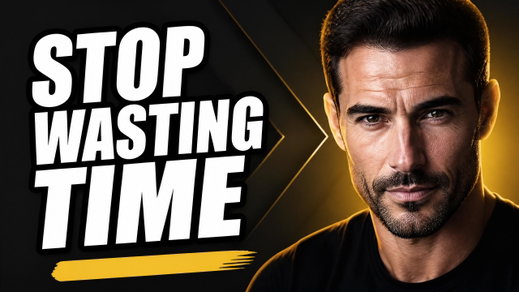



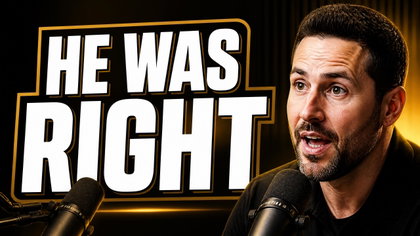
This is useful for videos where the hook, face, story, scene, or emotional contrast matters. If you only need a blank template, a manual editor may be enough.
FAQ
It starts from a YouTube link so the concept can reflect the actual video context instead of only a typed prompt.
Processing can take a few minutes because the workflow needs to inspect the real video before creating concepts.
No. Treat the pack as strong ideation. Some creators use the results directly; others refine the best idea.
Try it
Start with the actual video context, then pick the concept worth refining for upload.
Generate free pack